 Enlite Prime




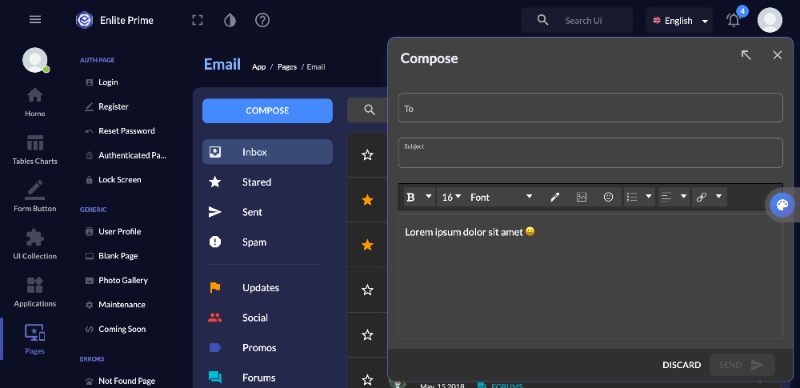
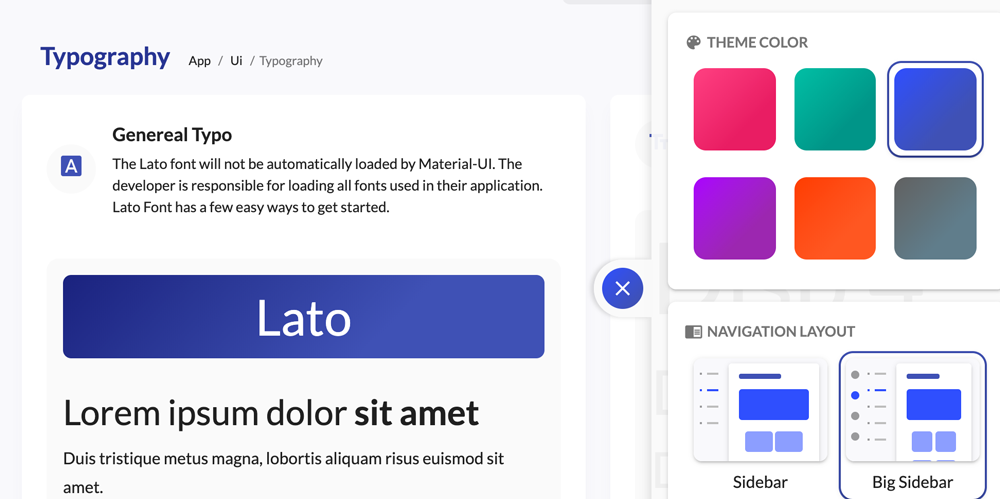
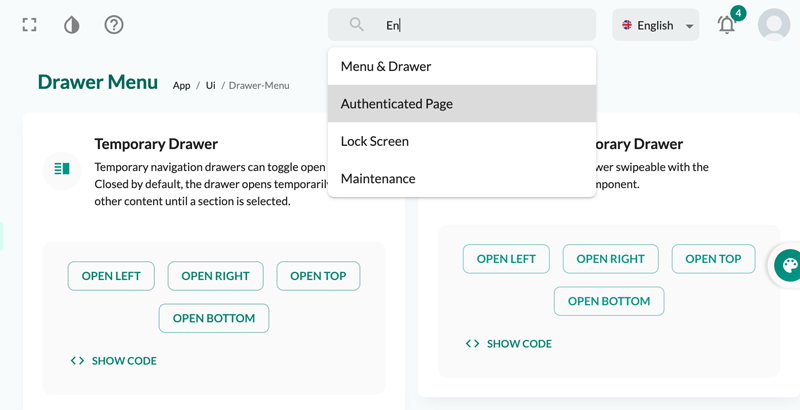
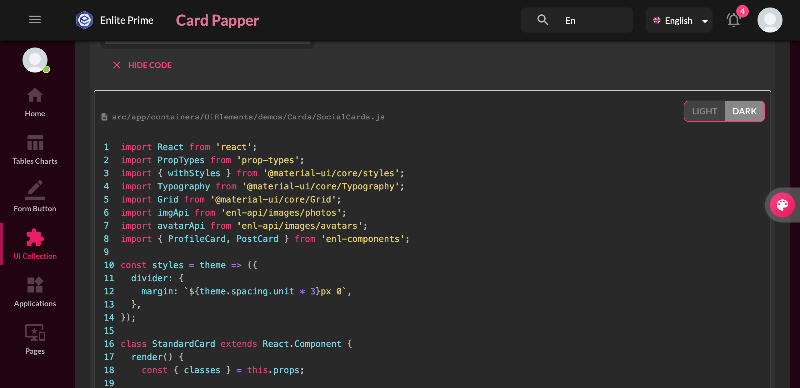
Welcome to Enlite Prime
Here is some guide to use this template. Click next to continue and back to previous or click on outside to skip it.
The Stepper can be controlled by passing the current step index (zero-based) as the activeStep property.
Select campaign settings...
src/app/containers/UiElements/demos/Steppers/HorizontalLinear.js
Non-linear steppers allow users to enter a multi-step flow at any point.
Step 1: Select campaign settings...
src/app/containers/UiElements/demos/Steppers/HorizontalNonLinear.js
Select campaign settings...
src/app/containers/UiElements/demos/Steppers/StepperError.js
For each ad campaign that you create, you can control how much you're willing to spend on clicks and conversions, which networks and geographical locations you want your ads to show on, and more.
src/app/containers/UiElements/demos/Steppers/VerticalStepper.js
Use a progress bar or dots when there are many steps, or if there are steps that need to be inserted during the process (based on responses to earlier steps).
src/app/containers/UiElements/demos/Steppers/MobileSteppers.js
This is essentially a back/next button positioned correctly. You must implement the textual description yourself, however, an example is provided below for reference.
How to be happy :)

How to be happy :)
src/app/containers/UiElements/demos/Steppers/StepperCarousel.js
 Buy Now